A month ago I wrote about migrating from Laravel Herd to Lerd. I’d cancelled Herd Pro, moved thirty-four sites over in an afternoon and been pleasantly surprised by how little I missed. Since then Lerd has just sat there and worked, which is exactly what you want from a local dev environment, but it also meant I didn’t really understand it. I’d done the migration and moved on.
This weekend I gave it some proper time. I updated it, switched how it runs PHP, moved all of my databases into it, cleared out a lot of clutter and ended up contributing to it. I’ve come out the other side with a much better idea of how it actually works, so this is a write-up of what I did and what I learnt.
 lerd.sh
Updating, and an accidental PHP upgrade
I started by updating Lerd from 1.36.0 to 1.39.2, and Composer along with it using lerd tools:update. Both were painless. What I didn’t notice straight away was that 13 of my sites were now running PHP 8.6.
It turns out 1.39 started treating PHP 8.6 as a full release. My apps require ^8.5 in their composer.json, which 8.6 satisfies, so Lerd quite reasonably moved them to the newest version that matched. That sent me off to read how Lerd decides which PHP a project gets, and it’s a simple order:
php_versionin the project’s.lerd.yaml- a
.php-versionfile - the
composer.jsonconstraint, picking the highest installed version that satisfies it - the global default
So the fix was lerd isolate 8.5 in each project, which writes a .php-version file. I already ignore that file globally in git, so none of the repos even noticed. I’m not against 8.6, I just want to choose when I move to it rather than have it happen to me.
Going native
On macOS, Lerd normally runs PHP-FPM inside the Podman VM. Lerd also has a native runtime, where PHP, Composer and your workers run directly on the Mac and only nginx and the services stay in containers. That’s how Herd always worked, and it’s the bit of Herd I’d quietly missed, so I switched.
The reason it matters is file access. Your project lives on the Mac, so a containerised PHP has to reach across into the VM for every single file it reads. Lerd’s own benchmark puts the difference at 62 requests per second in a container against 238 native, with 10 concurrent requests. A single warm request is much closer (61 ms against 55 ms), but a Laravel app reads a lot of files, and you feel it.
You don’t install PHP yourself for this. Lerd downloads prebuilt binaries, checks each one against a published SHA-256, and runs one FPM process per version under launchd. The php and composer commands on your path stay as Lerd’s shims, so they still pick the right version per project. They just run on the Mac now.
The switch itself is one command:
lerd php:runtime nativeIt’s also where I learnt the most, because it did more than I expected. Switching runtime rewrites every site’s .env so its services point at addresses a process on the Mac can reach. That’s sensible, but my databases were still living in DBngin, and the switch pointed 20 sites at Lerd’s own MySQL, which only had empty databases. Everything was fine once the original settings were put back, but it was a good lesson: in Lerd, a runtime switch or a service port change touches every linked site.
It also caught out something I hadn’t thought about. My packages aren’t Lerd sites, but the php shim still resolves a version for them using the same rules. Without a .php-version file they asked for 8.6, which isn’t installed natively, so php, composer and Pest all failed with “PHP 8.6 is not installed”. In the end I pinned 54 projects to 8.5, and all 97 PHP projects on my machine now run on it.
Goodbye DBngin
In my last post I said I’d probably drop DBngin at some point. The runtime switch made the case for me, because nearly everything that went wrong traced back to databases living outside Lerd.
So they all moved in. That was 20 sites’ databases across two DBngin servers, one MySQL 8.0 and one 8.4, all going into Lerd’s MySQL 8.4. The biggest was nearly 15 GB on its own. Every table was checked against its source afterwards, about 19.4 million rows in total, and they all matched. The first attempt at importing the big one ran out of memory, so the Podman VM went from 6 GB to 12 GB:
lerd machine memory 12I also raised MySQL’s buffer pool from 128 MB to 4 GB. Lerd gives you a tuning file for exactly this, ~/.local/share/lerd/service-tuning/mysql.conf, and it never overwrites it, so the change survives restarts and updates.
Once everything was across, DBngin was uninstalled, along with its 4.5 GB data folder, after backing up every database as a dump first. Then I moved MySQL back to the standard port 3306 with lerd service port mysql --reset, which once again rewrote every site’s .env to match. Lesson learnt the second time round.
One thing I didn’t know: whenever Lerd wires a site to MySQL, it also creates an empty <site>_testing database, for projects whose tests run against MySQL. Mine all use in-memory SQLite, so I dropped them, but they’ll come back if a site gets rewired. It’s harmless, just a bit of clutter in Sequel Ace.
Tidying up
With native PHP serving everything, the old PHP-FPM container images had nothing left to do. I removed them, five PHP versions plus their base images, and then ran lerd machine reclaim, which trims the VM’s disk image and handed 6.2 GB back to macOS. The only PHP I have installed now is 8.5.
I also took the chance to sort out my ~/Codebases folder, which had grown five sub-directories over the years, including one still called Herd. Now all 122 projects sit directly in ~/Codebases, with an _archive folder for things I’m keeping but not using. Every Lerd site was relinked at its new path with the same domain and TLS. While I was at it, I removed a manual Elasticsearch install from my home folder, since Lerd already runs Elasticsearch as a service, and deleted a few other folders I’d forgotten about.
My first Lerd PR
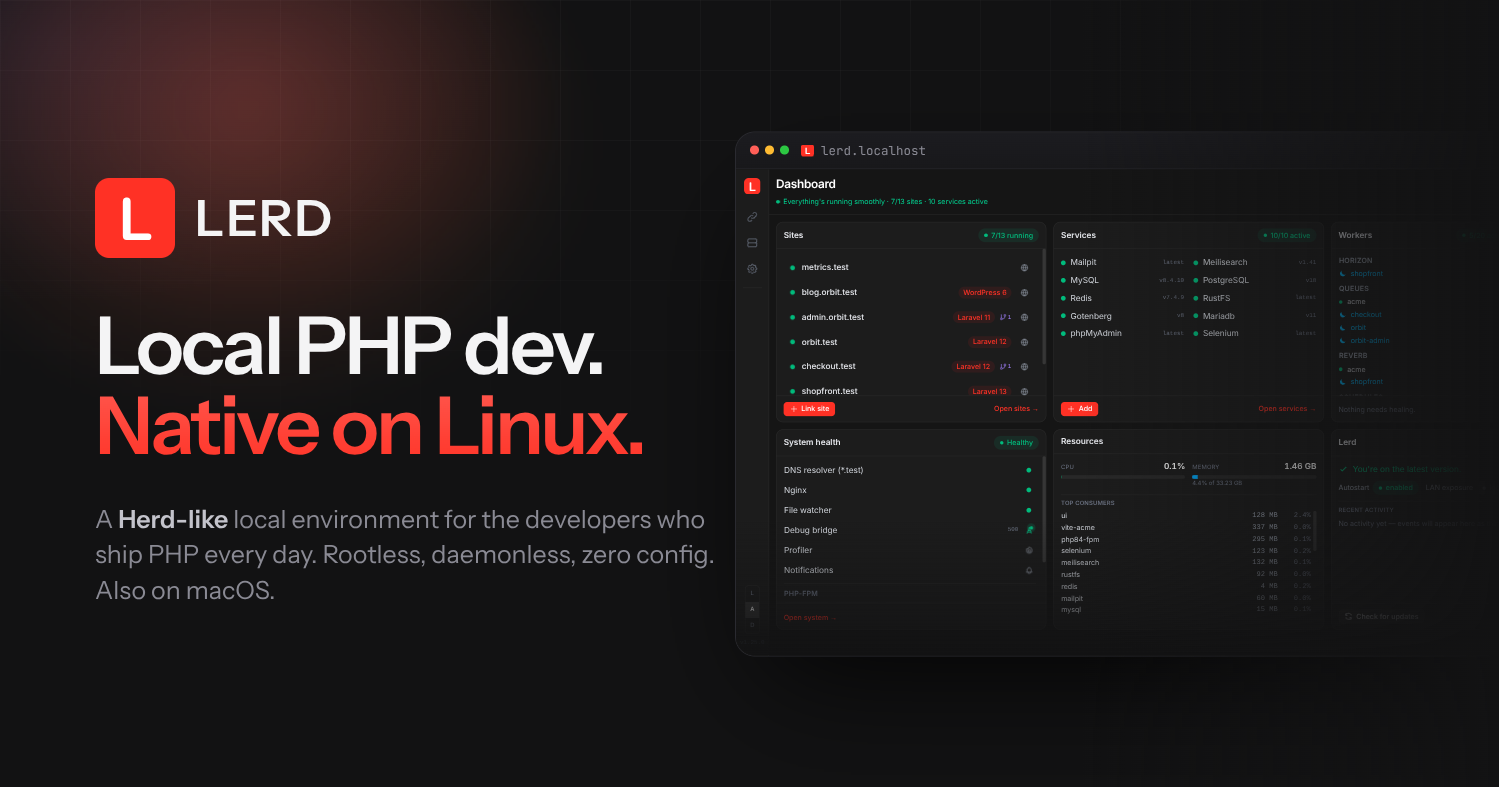
This is the part I enjoyed most. In Lerd’s dashboard, each site in the list has small coloured dots for its running workers. One of my sites had a yellow dot and a green dot, and I had no idea what they meant. Yellow is the queue and green is the scheduler, but nothing in the list told you that.
So I cloned Lerd. It’s a Go binary with a Svelte dashboard built into it, and the repo is really pleasant to work in. It has a thorough CLAUDE.md that sets out how they want changes made, and make install builds the whole thing and swaps it in for your installed version. A few things I picked up along the way:
- Native tooltips weren’t enough. My first attempt used a
titleattribute, which takes a second to appear on a dot that’s only 6 pixels wide, and Firefox doesn’t show it at all inside a button, which each site row is. Lerd already has its own tooltip, so I used that instead, one per dot. - macOS doesn’t like binaries being overwritten in place. When I copied the release binary back over my local build, macOS killed it on launch and my sites went down for a minute. Deleting the file first and copying a fresh one fixed it.
- The process is well thought out. Lerd asks for an issue before a PR, and its CI fails any dashboard change that doesn’t include before and after screenshots. An AI reviewer, Greptile, also pointed out that screen readers only heard “2 workers running”, so the worker names went into the accessible label too.
 GitHub
It was merged on Sunday morning, which was a nice way to start the day. Now when you hover a dot, it tells you what it is.
What I’ve learnt
A month ago Lerd was a Herd replacement I’d set up and left alone. Now I know how it picks a PHP version, what a runtime switch actually changes, where it keeps everything (most of it lives in ~/.local/share/lerd), and how to build it and change it myself.
When I cancelled Herd Pro I was mostly hoping for something that did the same job for free. Lerd does everything Herd did for me, and more: native PHP, every database in one place, a dashboard I genuinely prefer, and a codebase I can open a PR against when something annoys me. I didn’t get that last one with Herd.
If you’ve got Lerd installed and haven’t really looked at it since, give it a weekend. I’m glad I did.